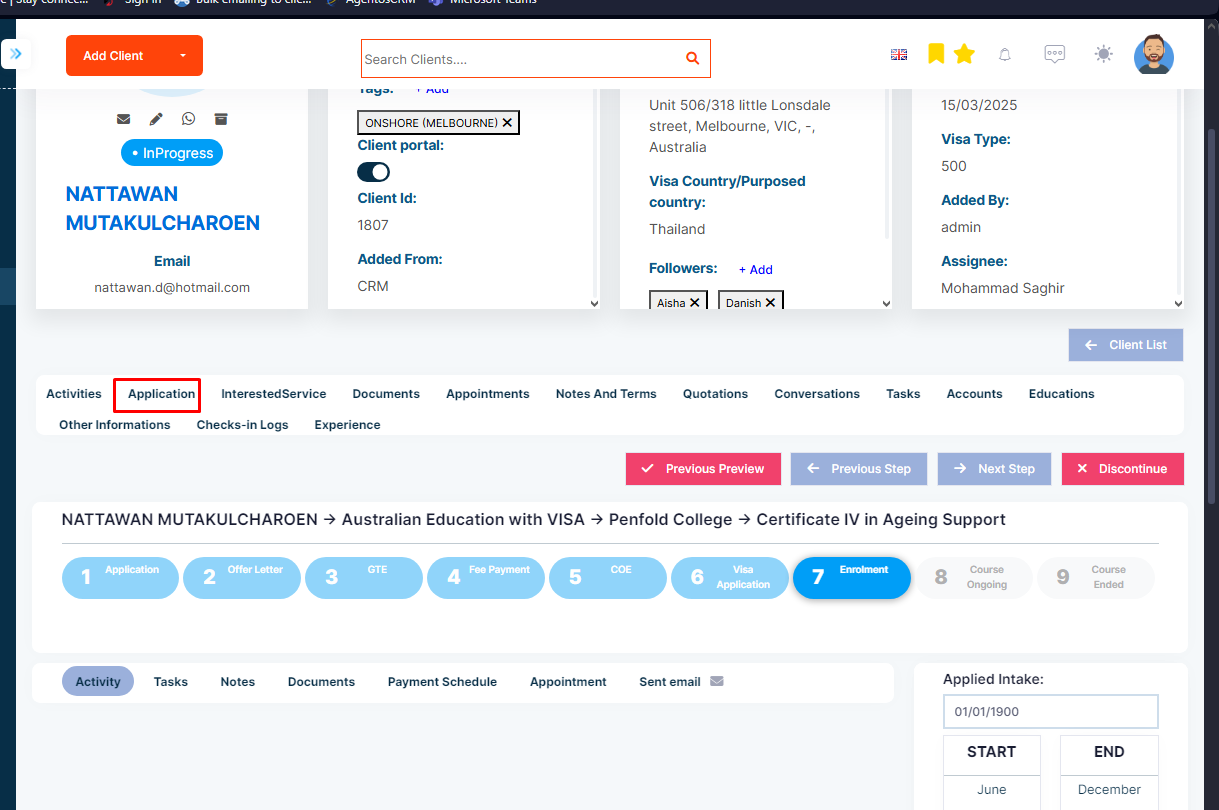
Step 1: Open the detail page of the application
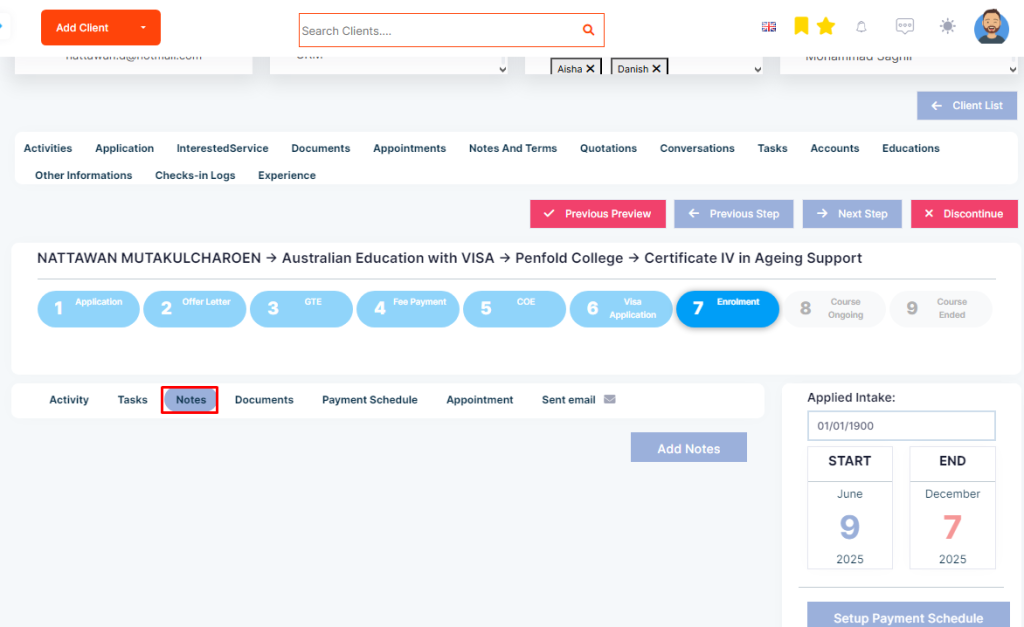
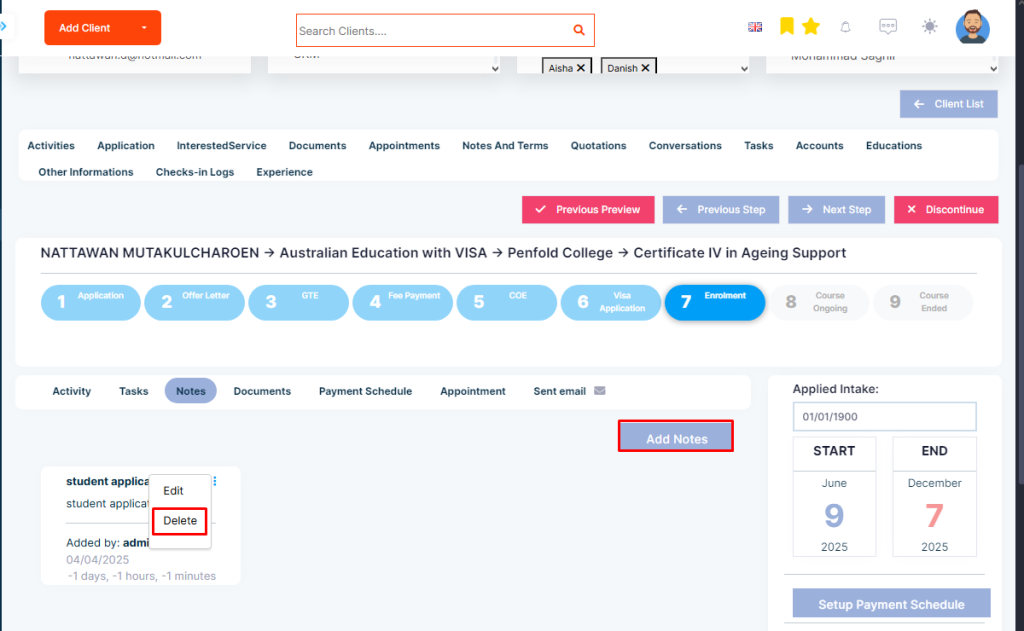
Step 2: Select the Notes icon in each stage of the workflow of the application.
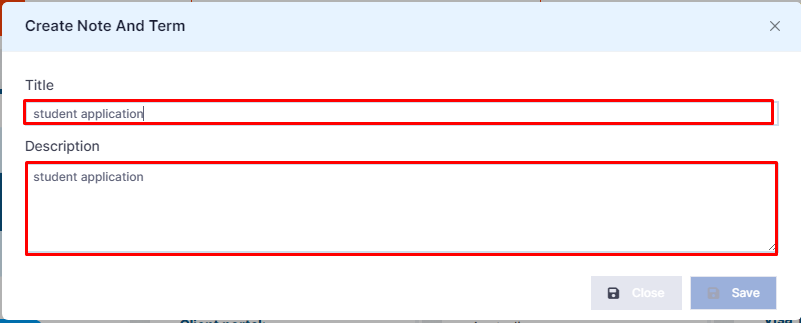
Step 3: Pop-up will appear. Add the details of the notes.
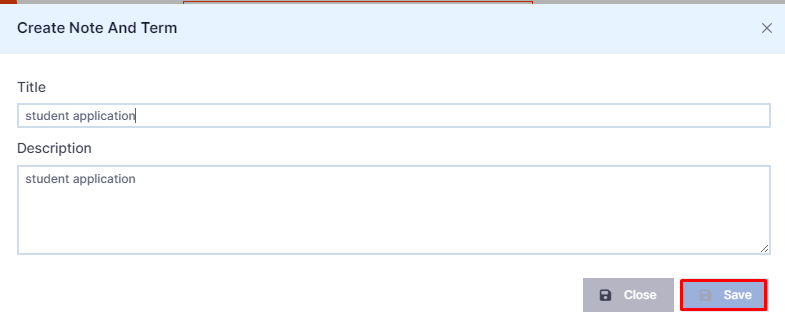
Step 4: Save once completed.
The Notes added or deleted will be shown under the ApplicationStages.
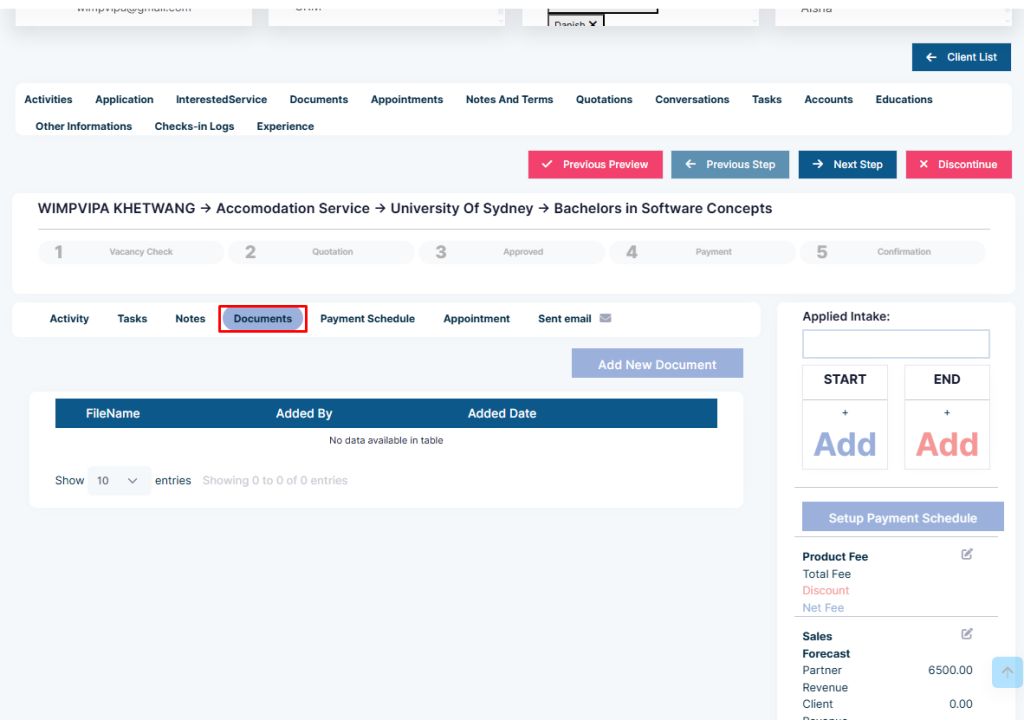
Step 2: Click the Button “ Document”
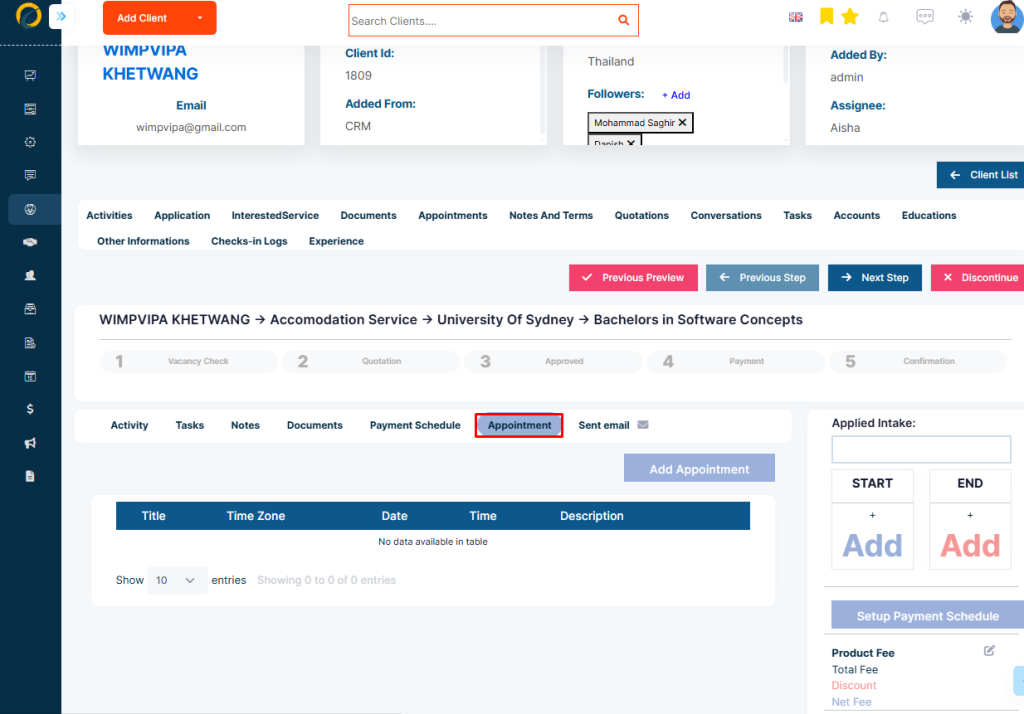
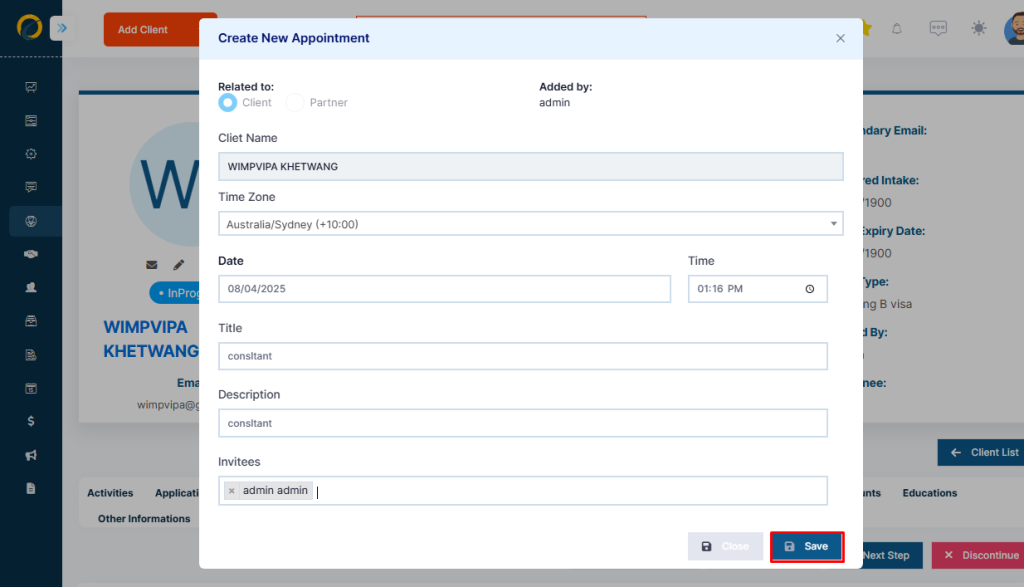
Appointments can also be added in each stage of the application. For this, Step 1: Click on the appointment icon
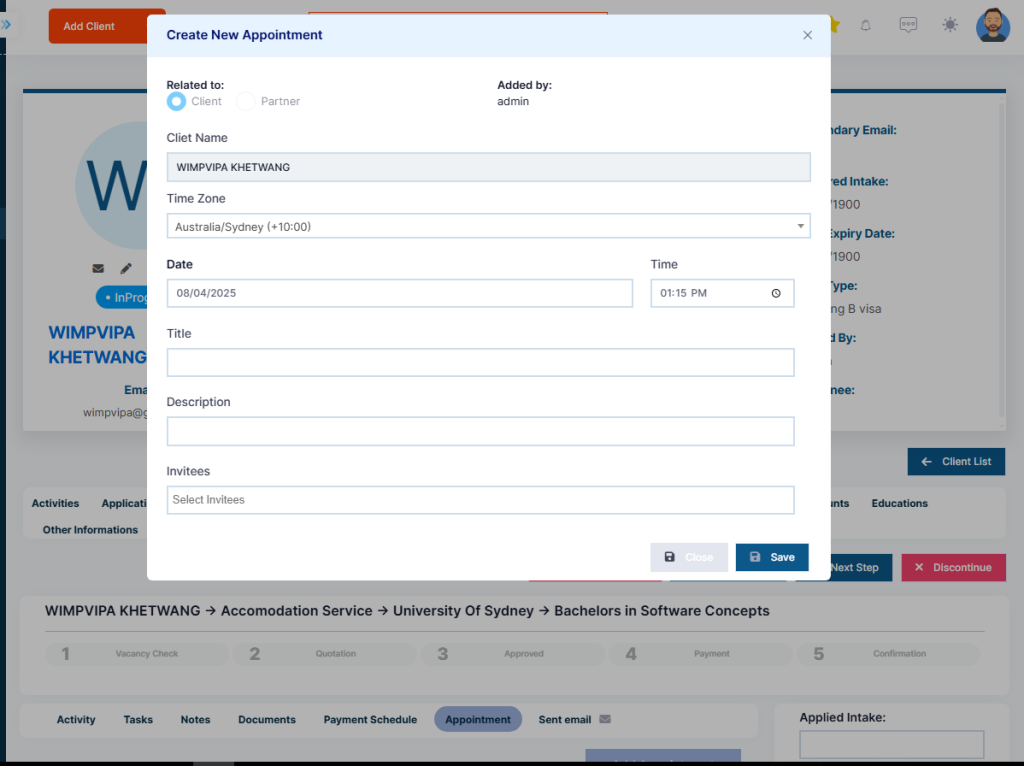
Step 2: A pop-up will appear. Fill in the details of the appointment.
Step 3: Save once completed.
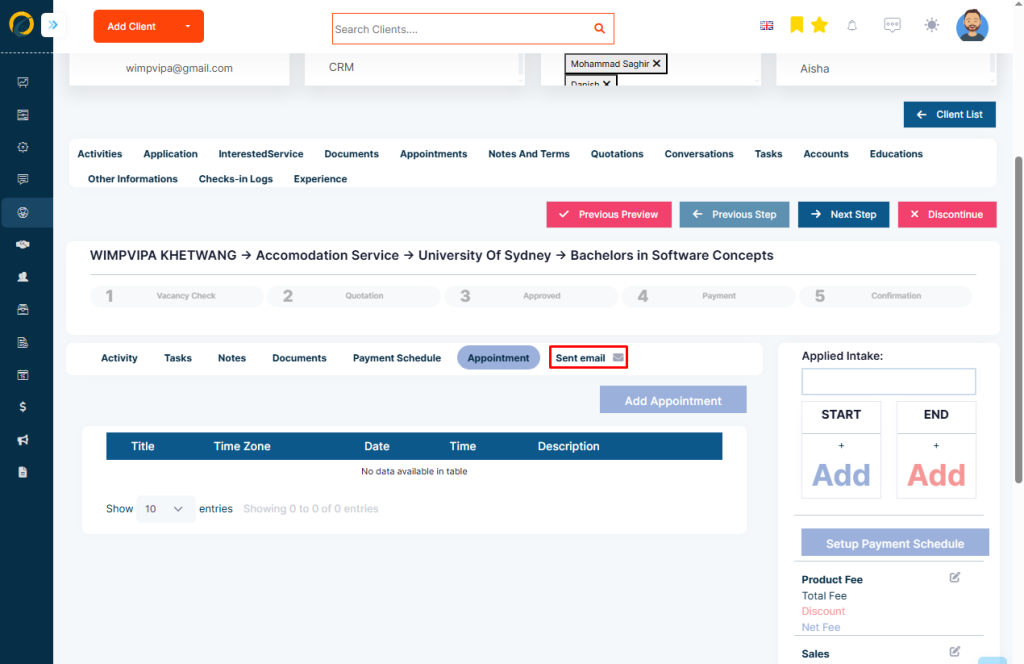
Further, email the client directly from the application stage. This is a great feature to stay in constant communication at all stages of the application process. Step 1: To send an email, click on the mail icon
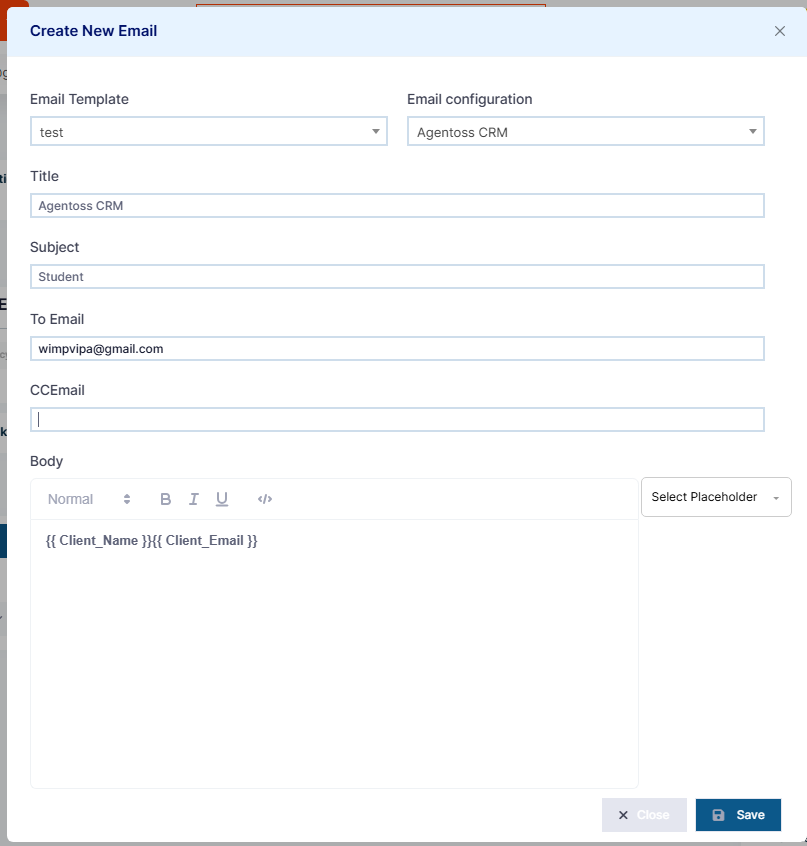
Step 2: Fill in the details of the email on the pop-up that appears on the right.
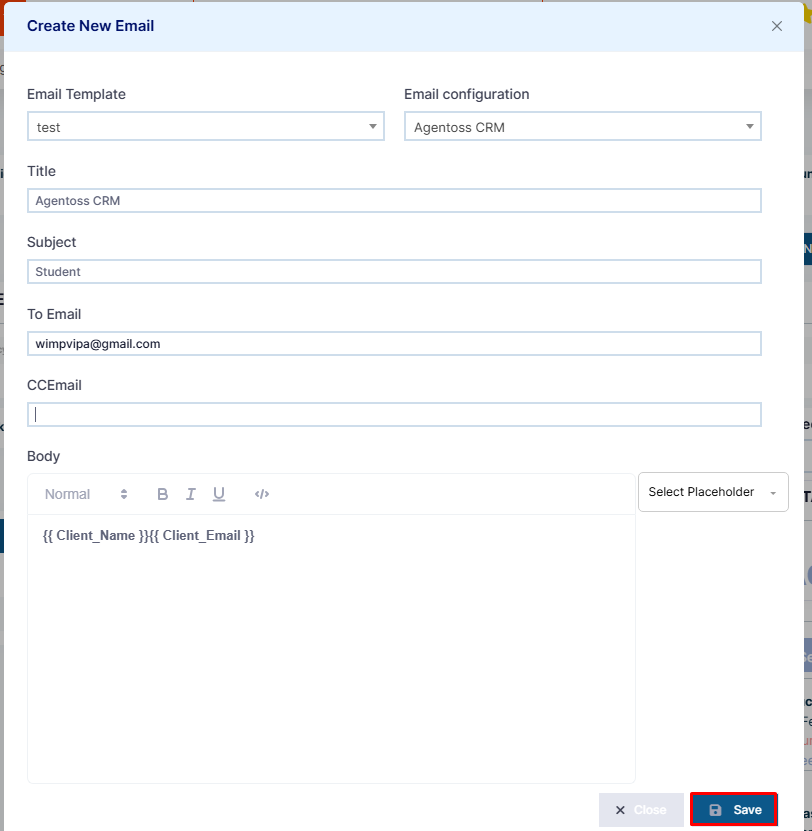
Step 3: Click on save once completed.