Setting up an Email Campaign
Setting up an mail campaign includes creating, designing and filtering the recipents.
Email campaign feature enables to send email in bulk. You can apply certain filter and select the contacts according to the required and design the template for the campaign.
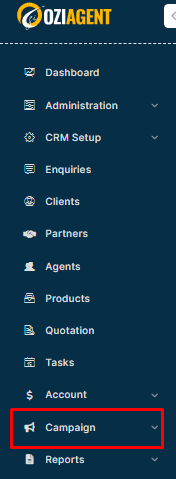
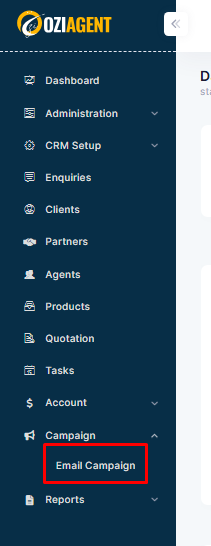
Step 2: Select Email Campaign from the drop-down.
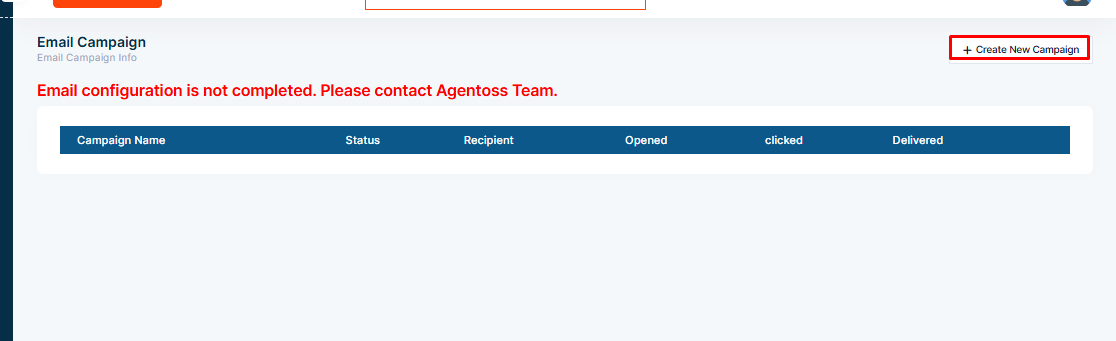
Step 3: Go to Create new Campaign on the right side.
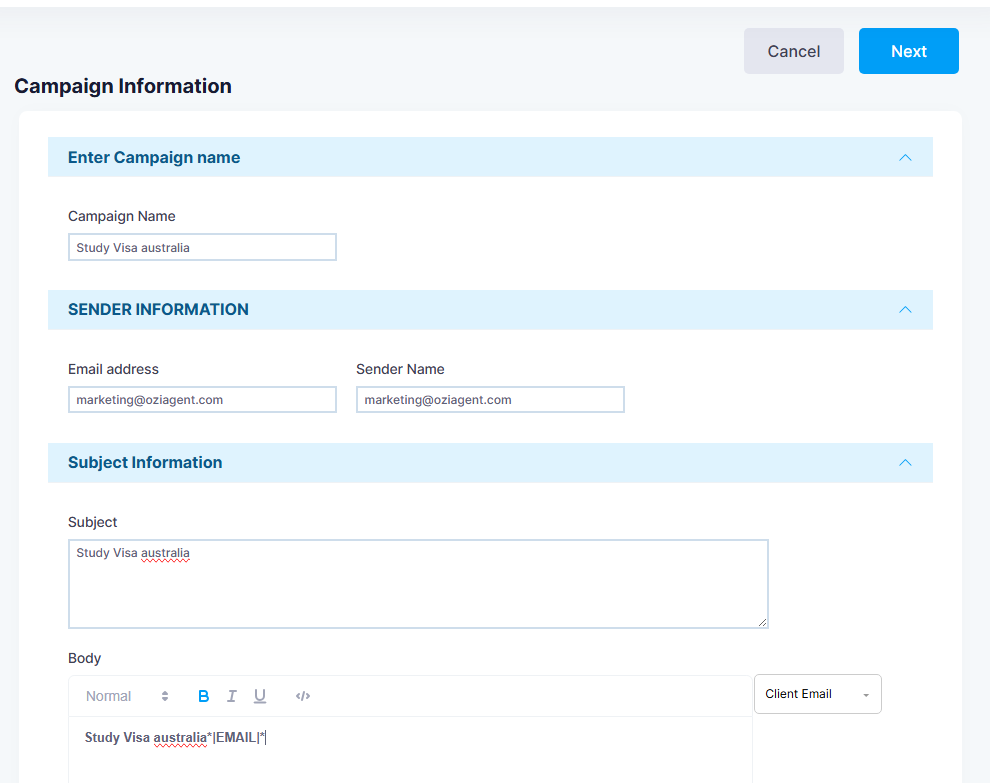
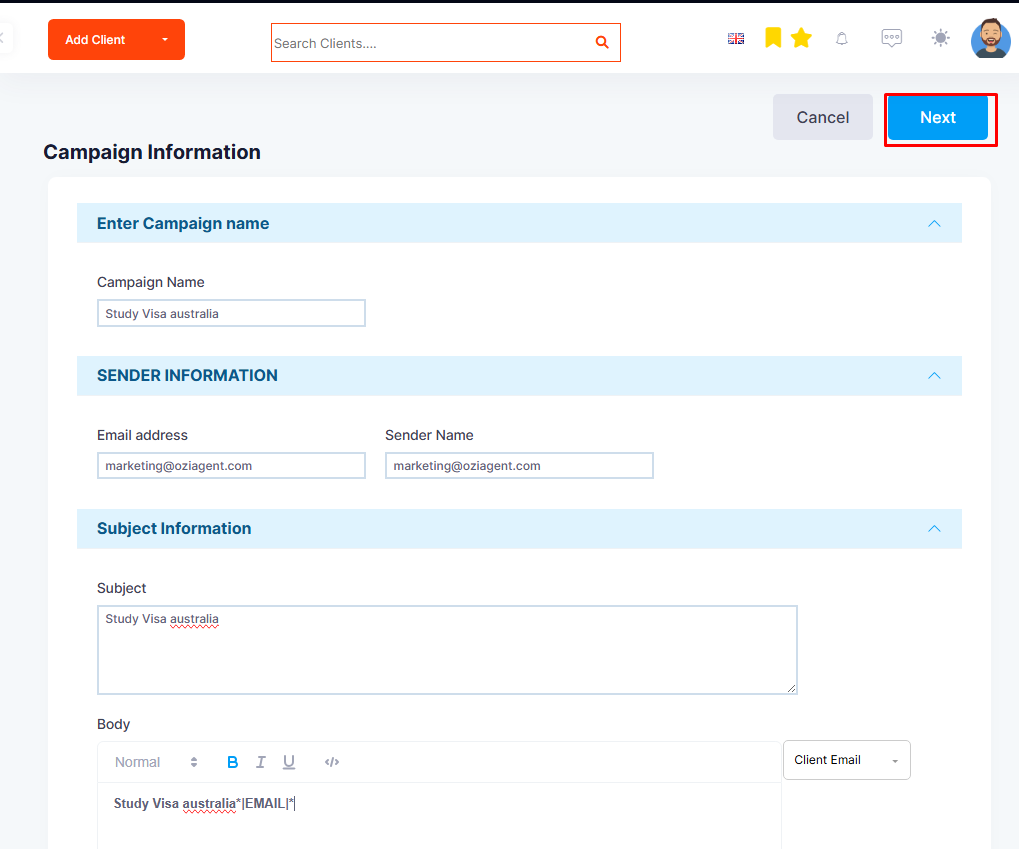
Step 4: Set up Campaign Information such as Name, Category, Sender Information (email ID of the sender), Subject, and Body for the campaign.
Step 5: Click on the Next tab.
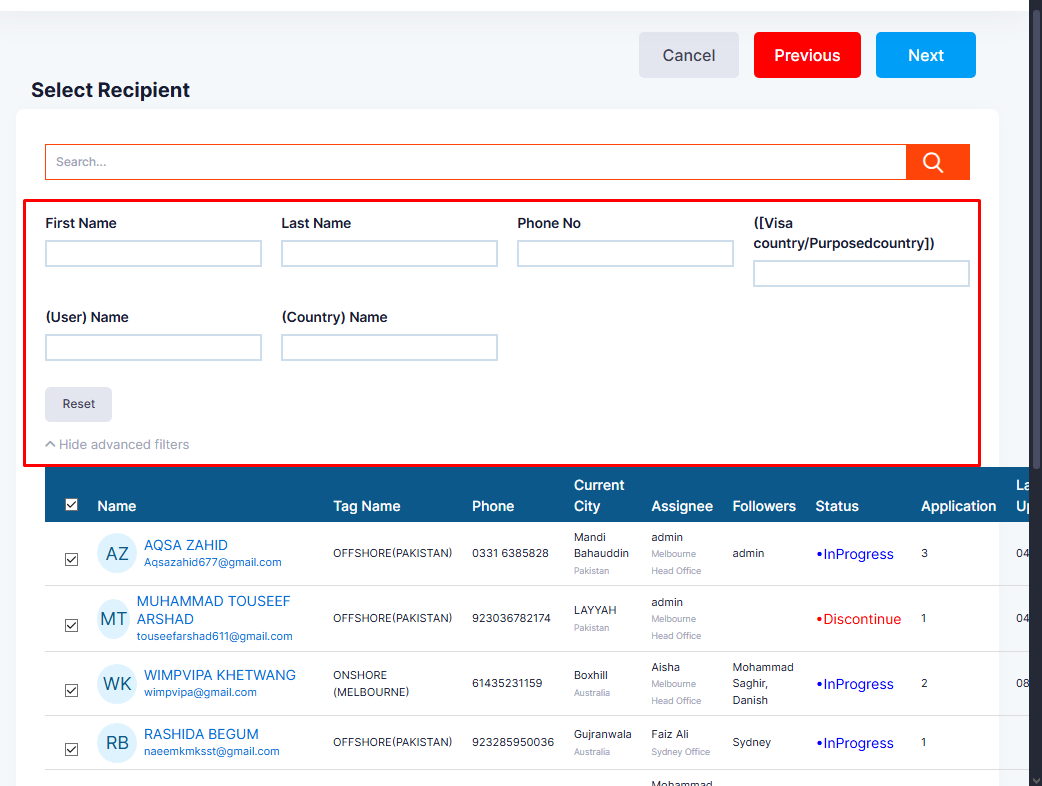
Step 6: Select Add New Filter to set recipients for the campaign.
Please note: You can apply multiple filters as well.
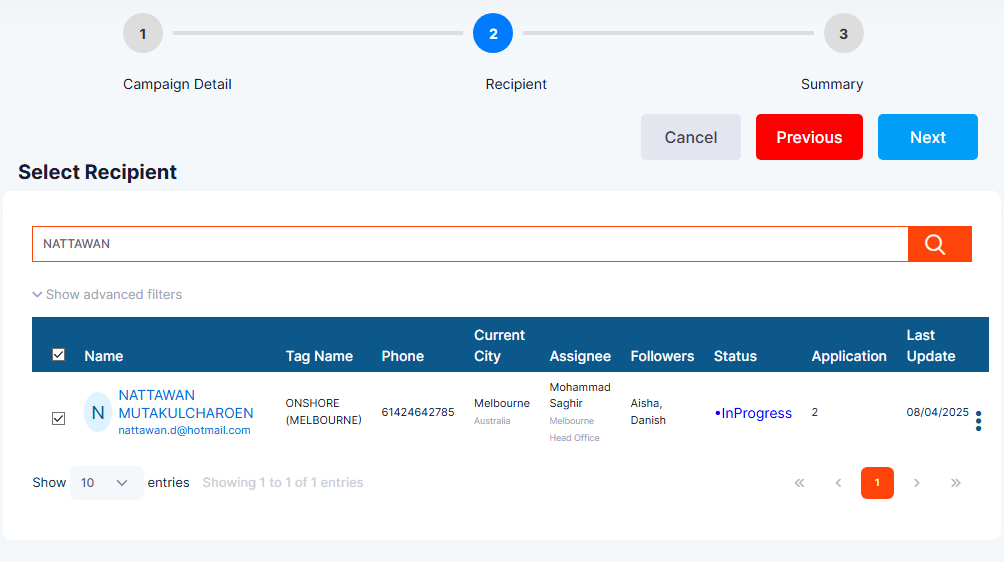
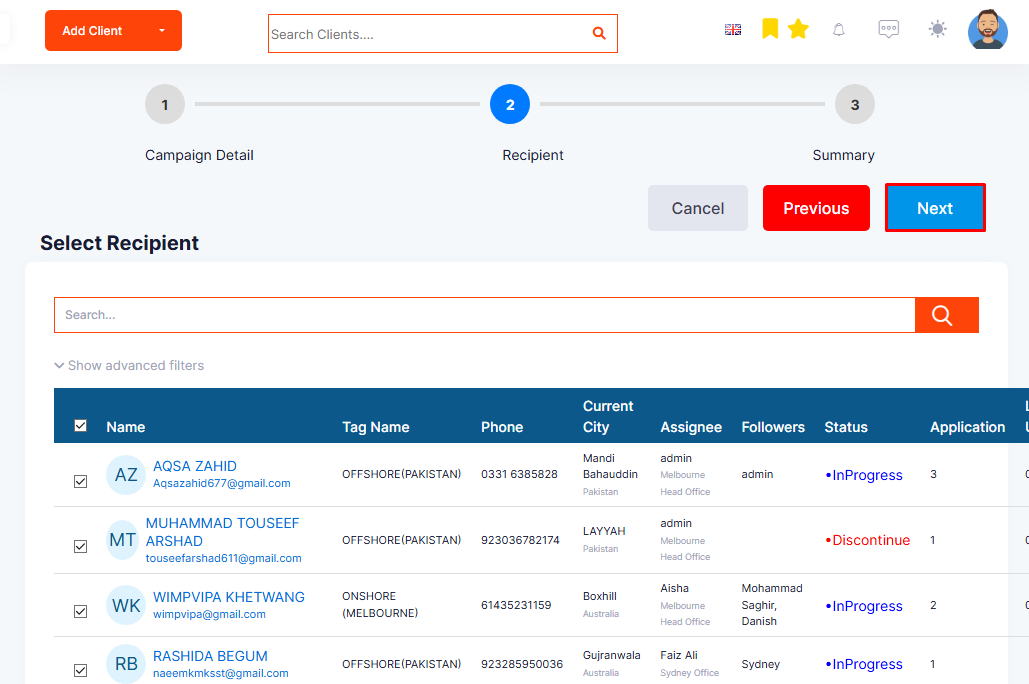
Step 7: The list of contacts will appear as per the applied filter. From the list, you can select the contacts.
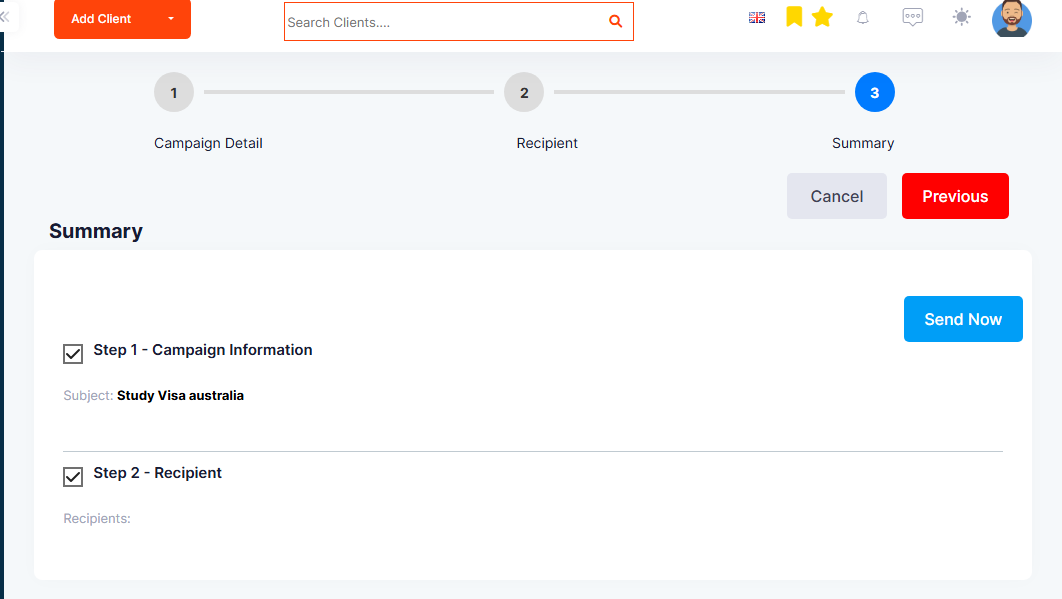
Step 8: Once all the email campaign details and recipients are selected, click Next to view the summary.
Step 9: You can edit the details by clicking Next beside the section you want to modify.
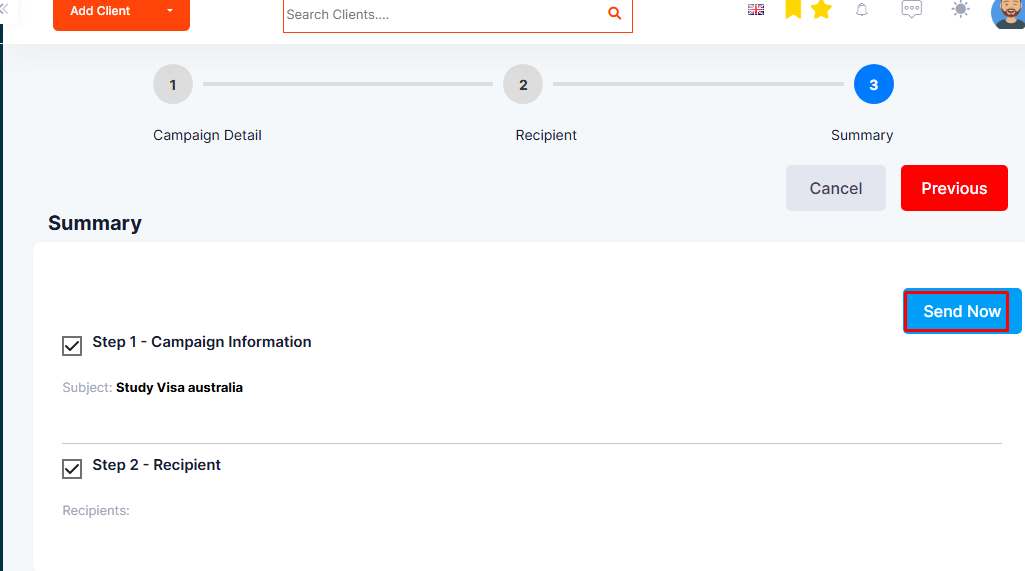
Step 10: Click on Send Now to send the emails/campaign instantly.