OZIAgent enables creation of tax codes with automated calculations.
While on the subject of invoices we all know that the tax is one of the most important part while charging your contacts. The tax rule that your company has to follow depends on the country of operation and the local government. So, OZIAgent allows you to create different tax codes with their tax rates to use while creating invoices and the amount will be calculated automatically.
The address in the invoices appears based on the primary office of the user creating the invoices.
To set the address information for the invoices, follow the following steps:
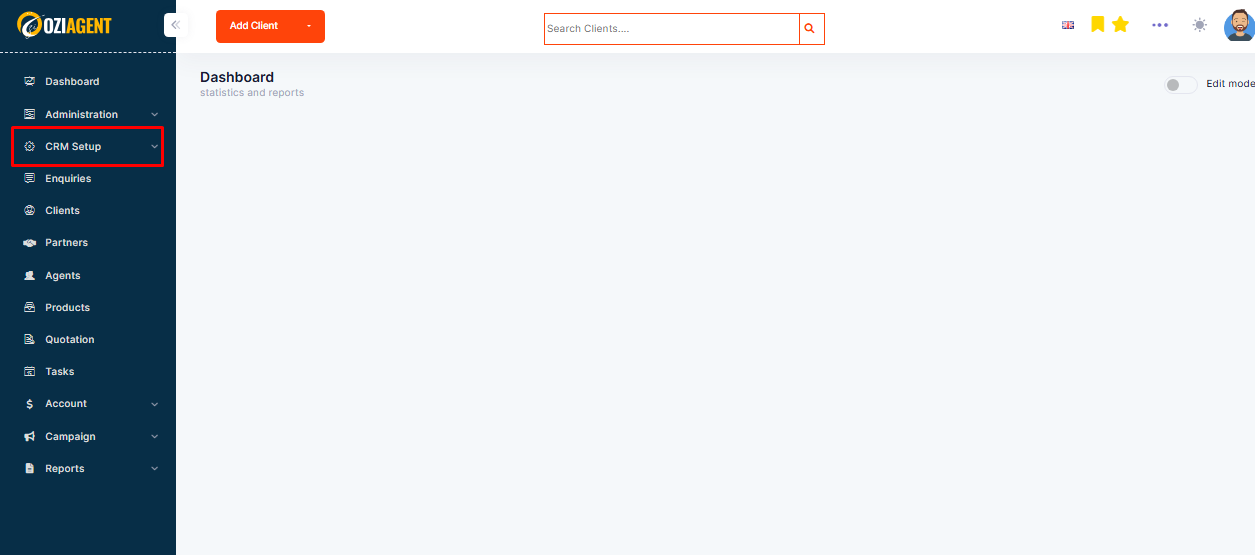
Step 1: Select CRMSetup from the Left navigation bar.
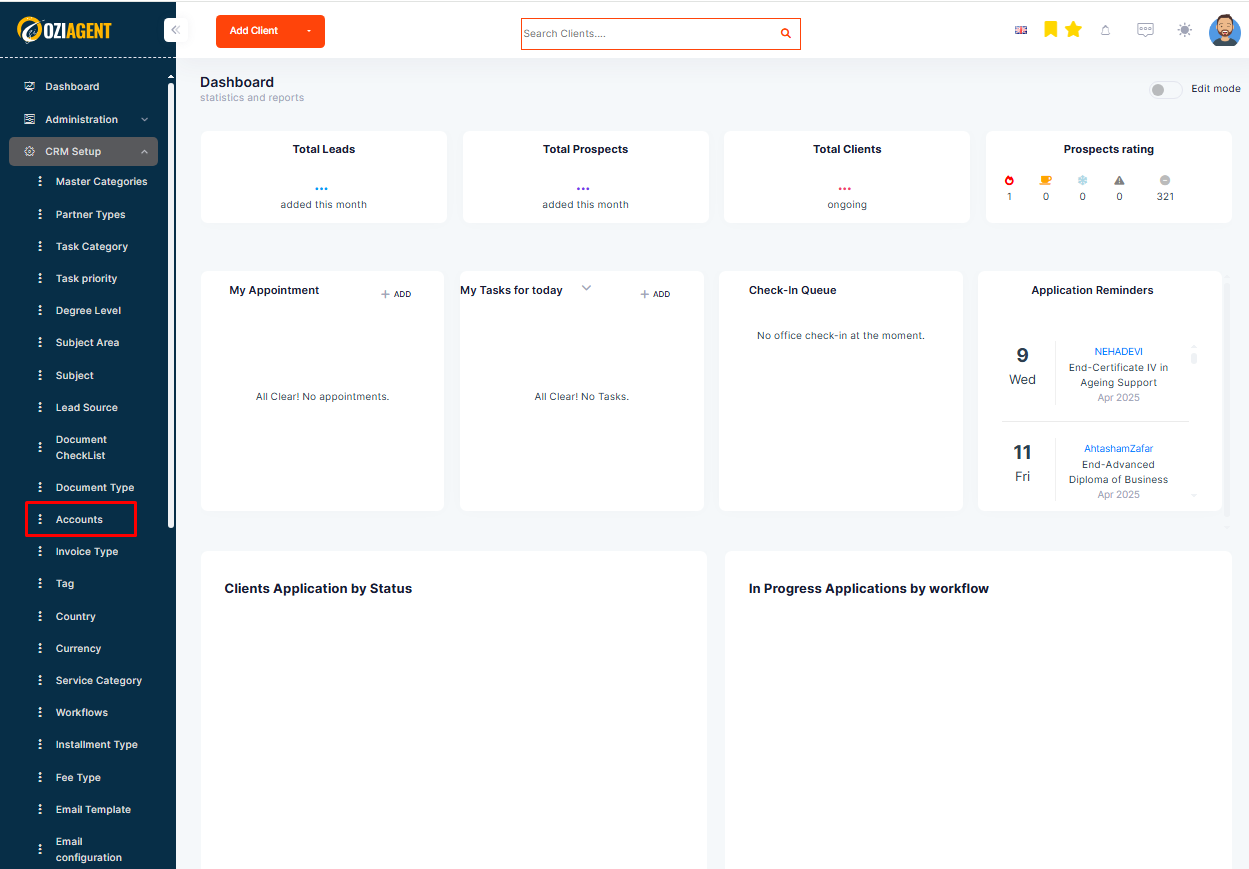
Step 2: Select Accounts.
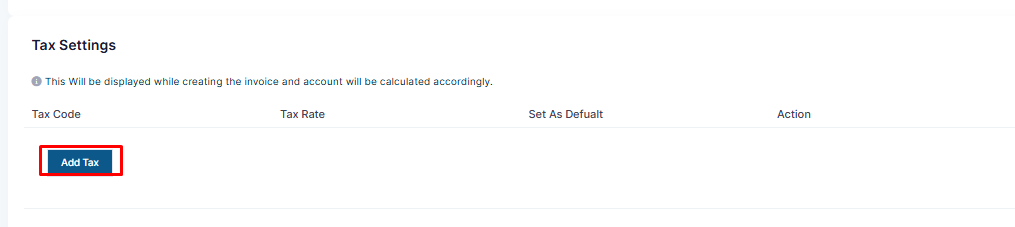
Step 3: From the Tax Settings section, select the tab Add New Tax.
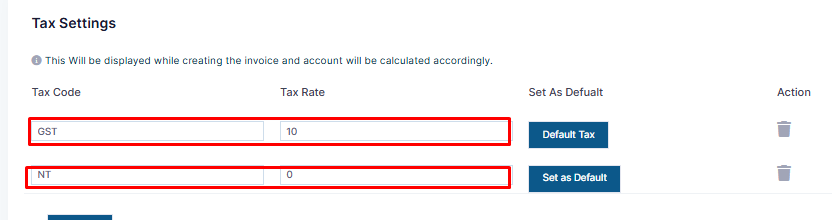
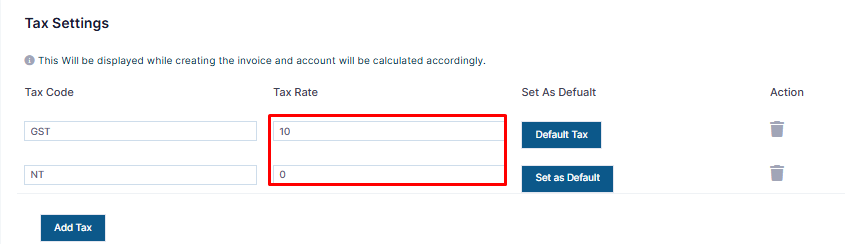
Step 4: Here you can add the tax codes such as GST, VAT, and so on.
Step 5: You can then add the Tax Rate.
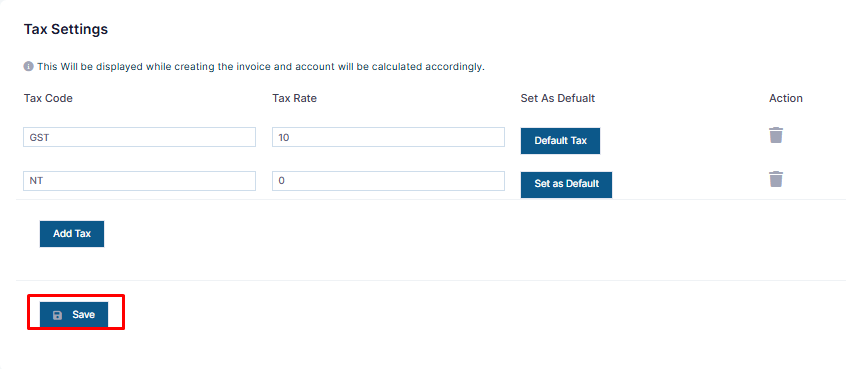
Step 6: Select the Save tab once you complete.
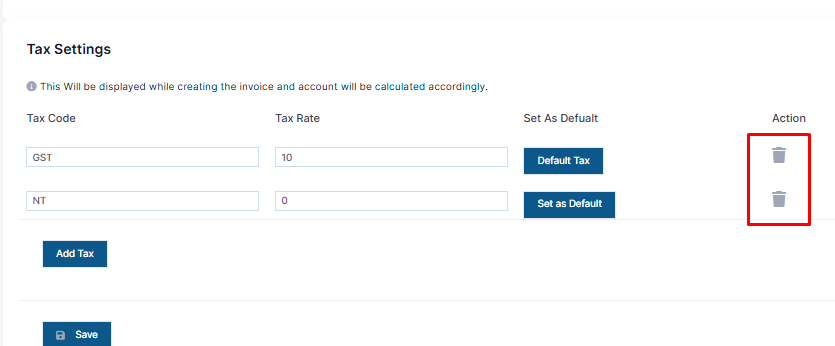
Step 7: You can return to this page whenever you want to delete the tax code and select the Delete icon to delete.