Managing Addresses in Invoices
Managing Addresses in Invoices
While you are sending invoices, it is important to include company details on the headers. It gives the business information to contact and make the invoice look more professional.You can set different addresses for all the branch offices you have.
The address in the invoices appears based on the primary office of the user creating the invoices.
To set the address information for the invoices, follow the following steps:
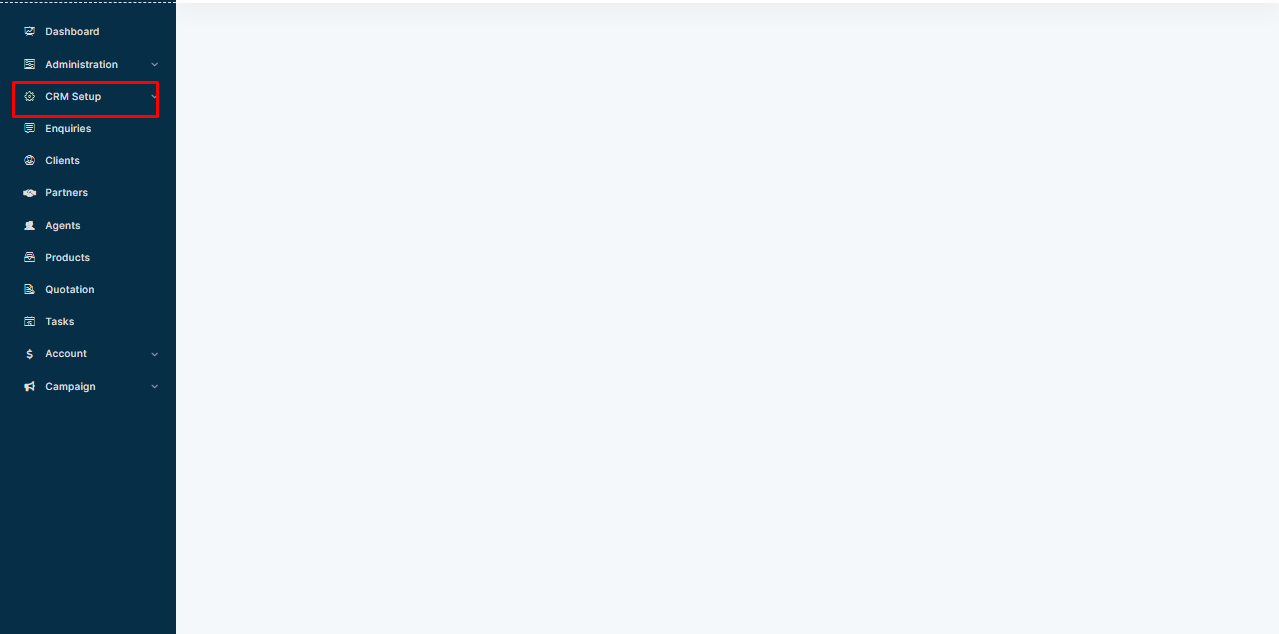
Step 1: Select CRMSetup from the Left navigation bar.
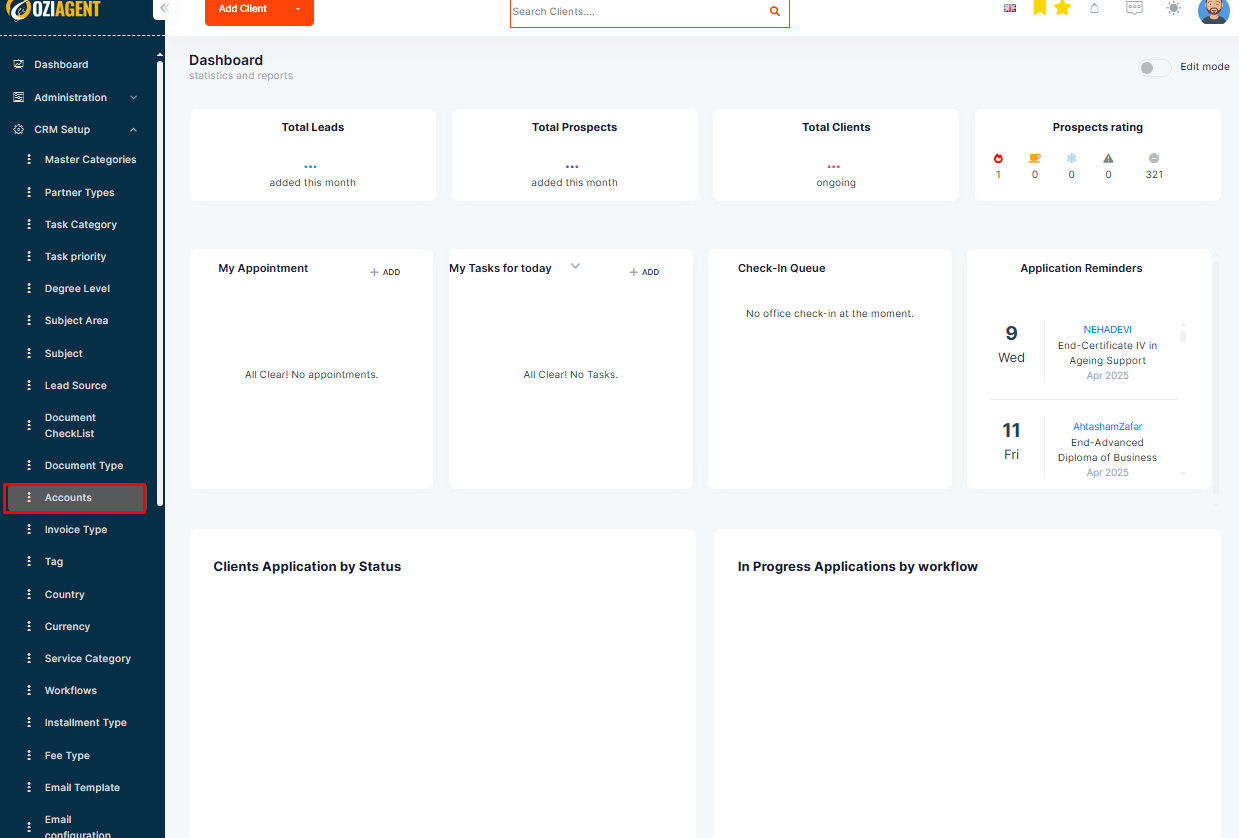
Step 2: Select Accounts.
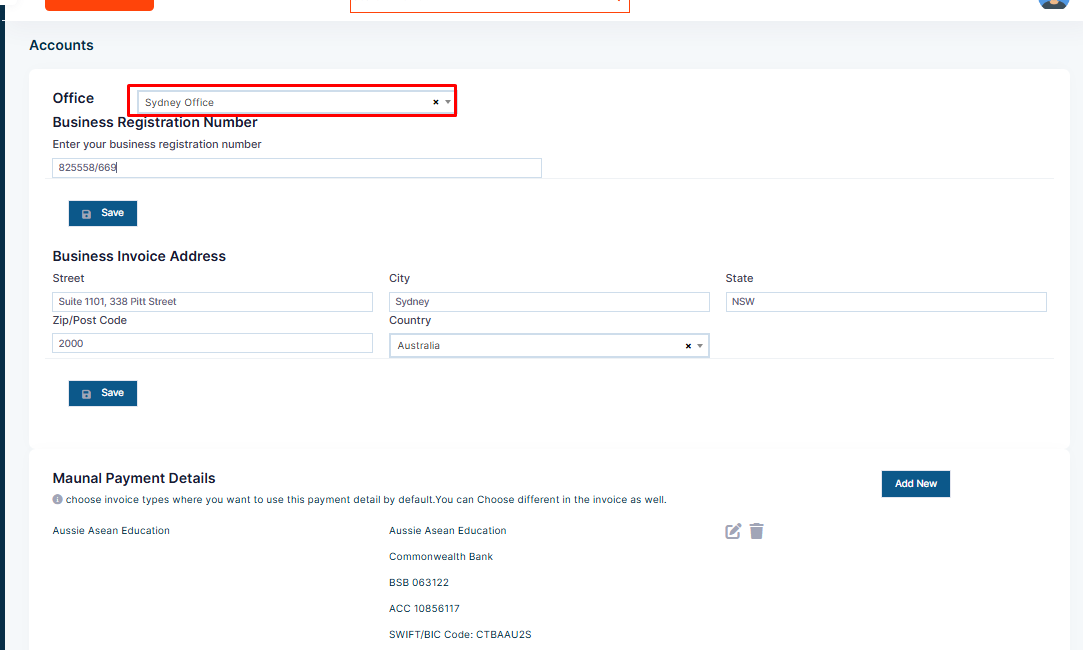
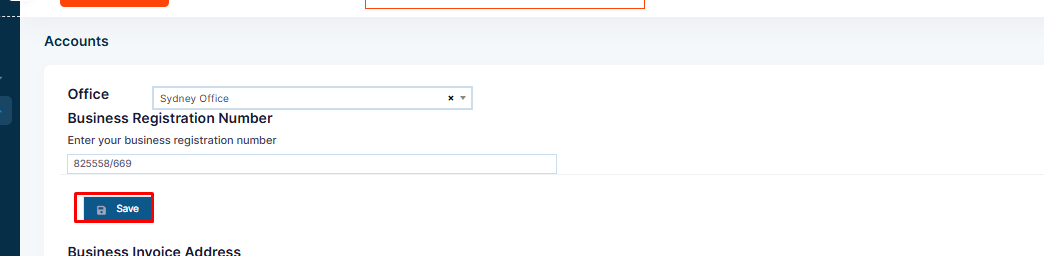
Step 3: Select the Branch Office from the dropdown for which you are setting the address details.
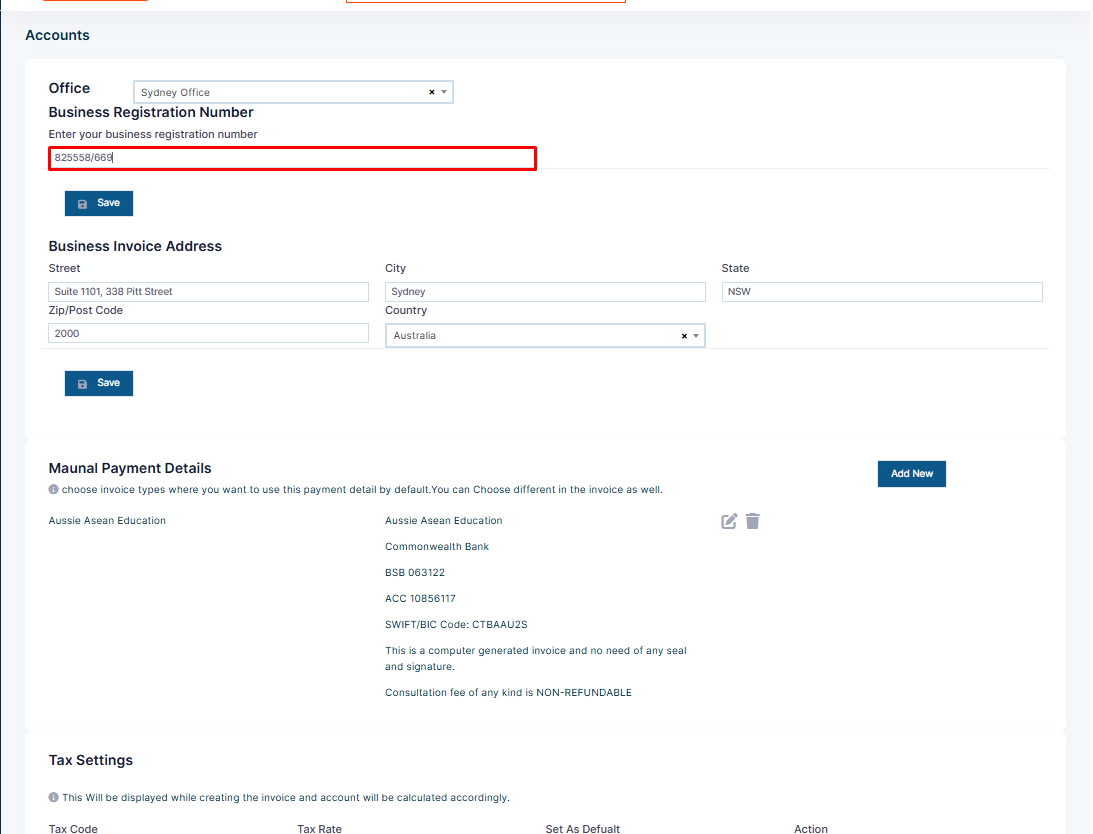
Step 4: Fill in the Business Registration Number.
Step 5: Select the Save tab beside the Business Registration Number.
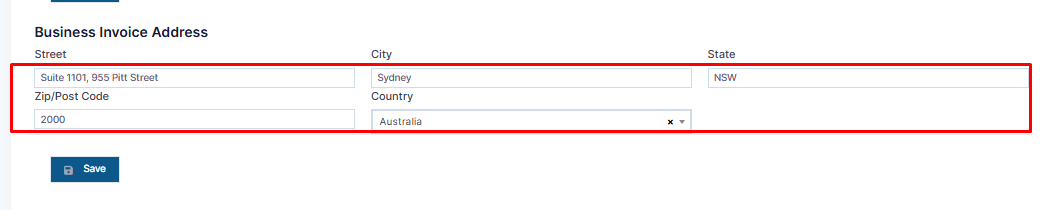
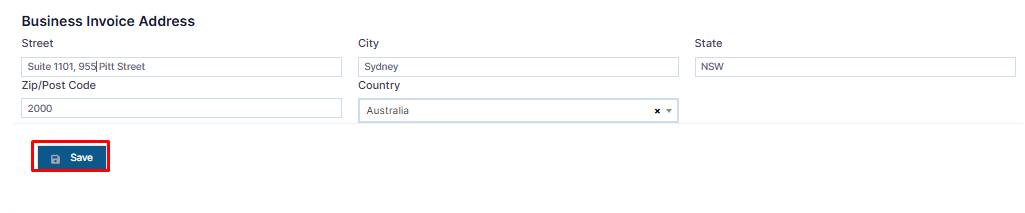
Step 6: Fill in the Address Details.
Step 7: Select the Save tab.