How to edit and view the detail of the task?
The value of tasks is significant as it easily keeps track of upcoming activities, and sends you notifications when your task is about to be due.
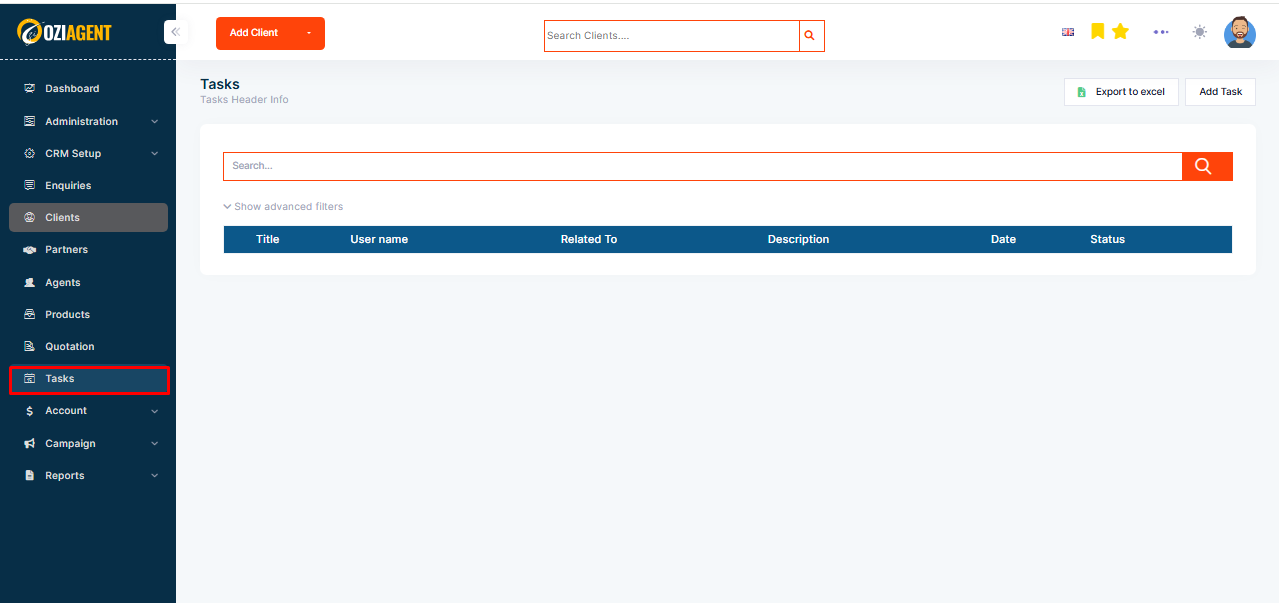
Step 1: To view your tasks, simply click on the Task menu in the side navigation bar.
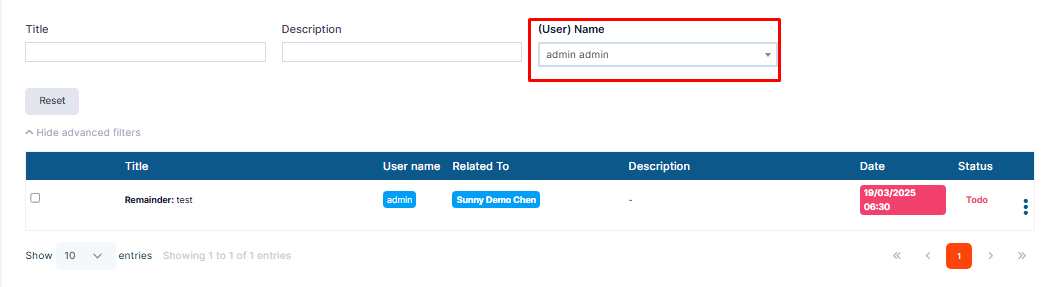
Step 2: You can view all your tasks by following filters - All, Assigned to me, Following,.
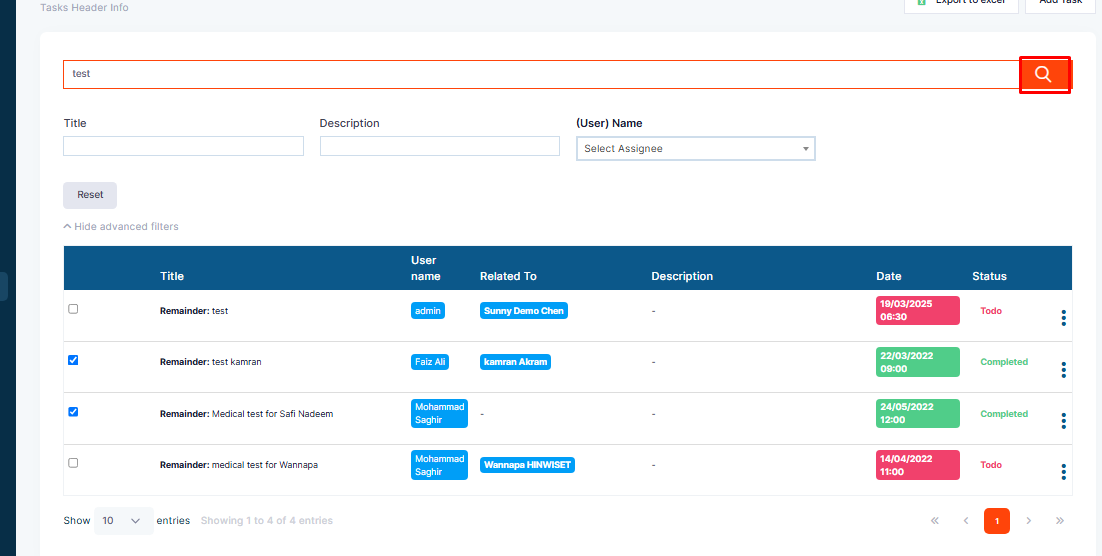
Step 3: You can search tasks by Task Title from the Search bar.
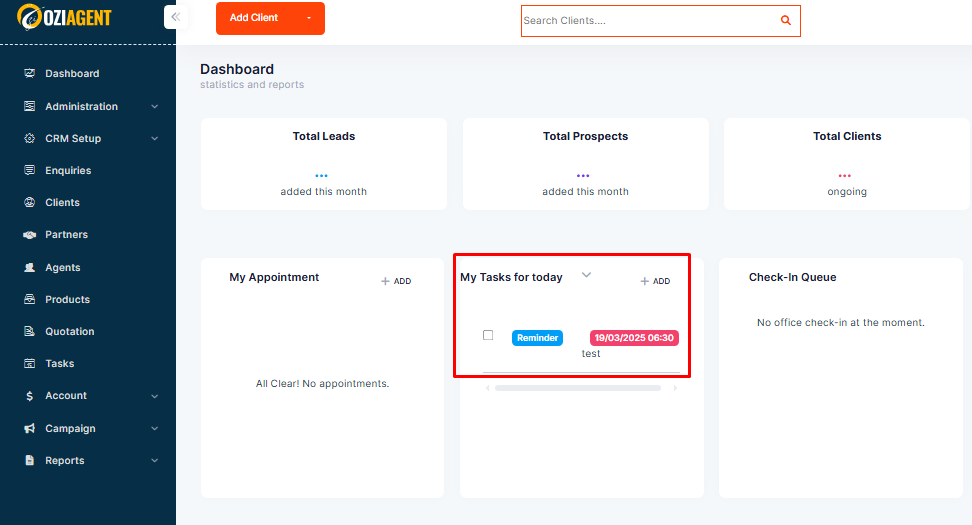
Step 4: When any task's due date is today or overdue, you will be able to see those tasks on your Dashboard.