Creating a SuperAgent Group Invoice
How to create a SuperAgent group inovice in OZIAgent?
Creating a SuperAgent Group Invoice
This tutorial guides you through the process of Creating a SuperAgent Group Invoice in the OZIAgent system, ensuring a simple and efficient invoicing procedure.
You can also group all your gross claim invoices of a super agent together to create a single invoice.
Please Note: Group invoice is created for gross claim invoices.
To create a super agent group invoice, please make sure you have the correct permission to do so and follow the following steps:
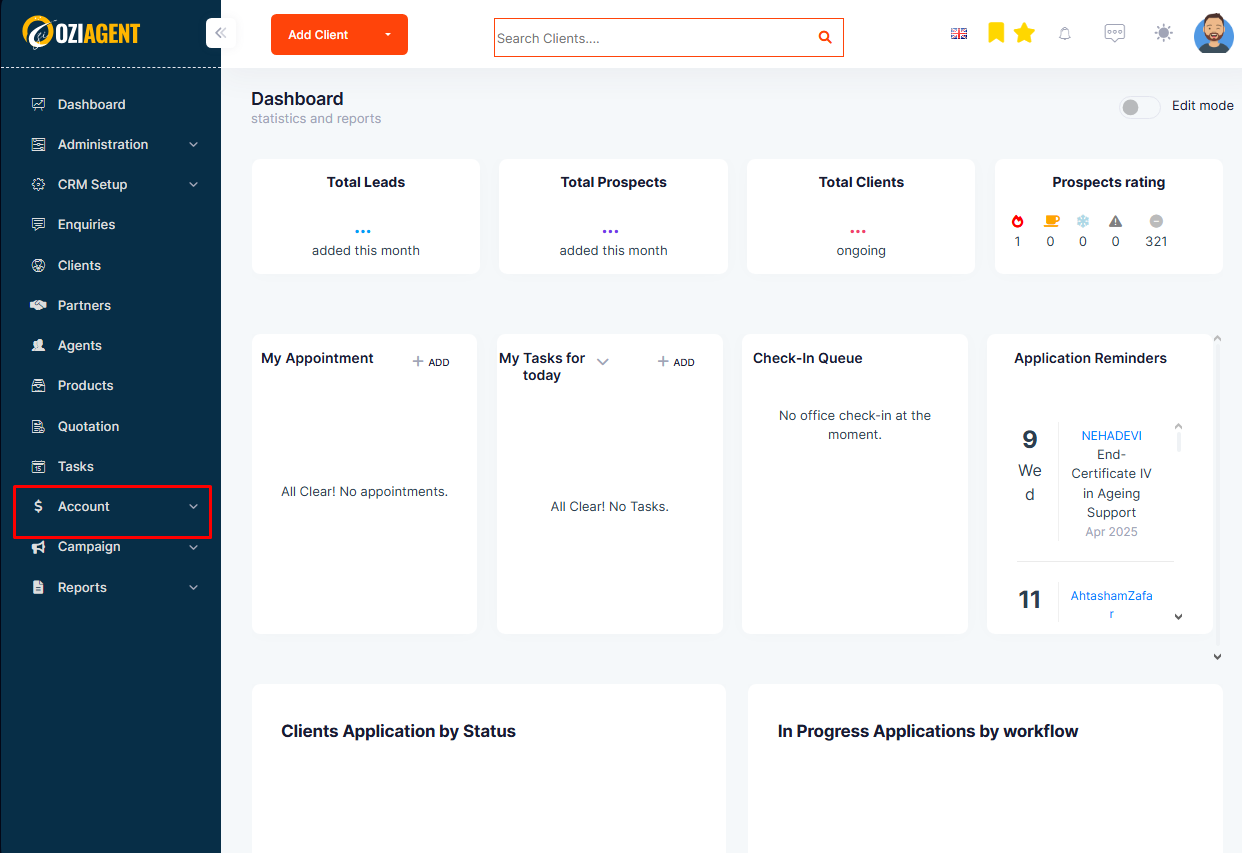
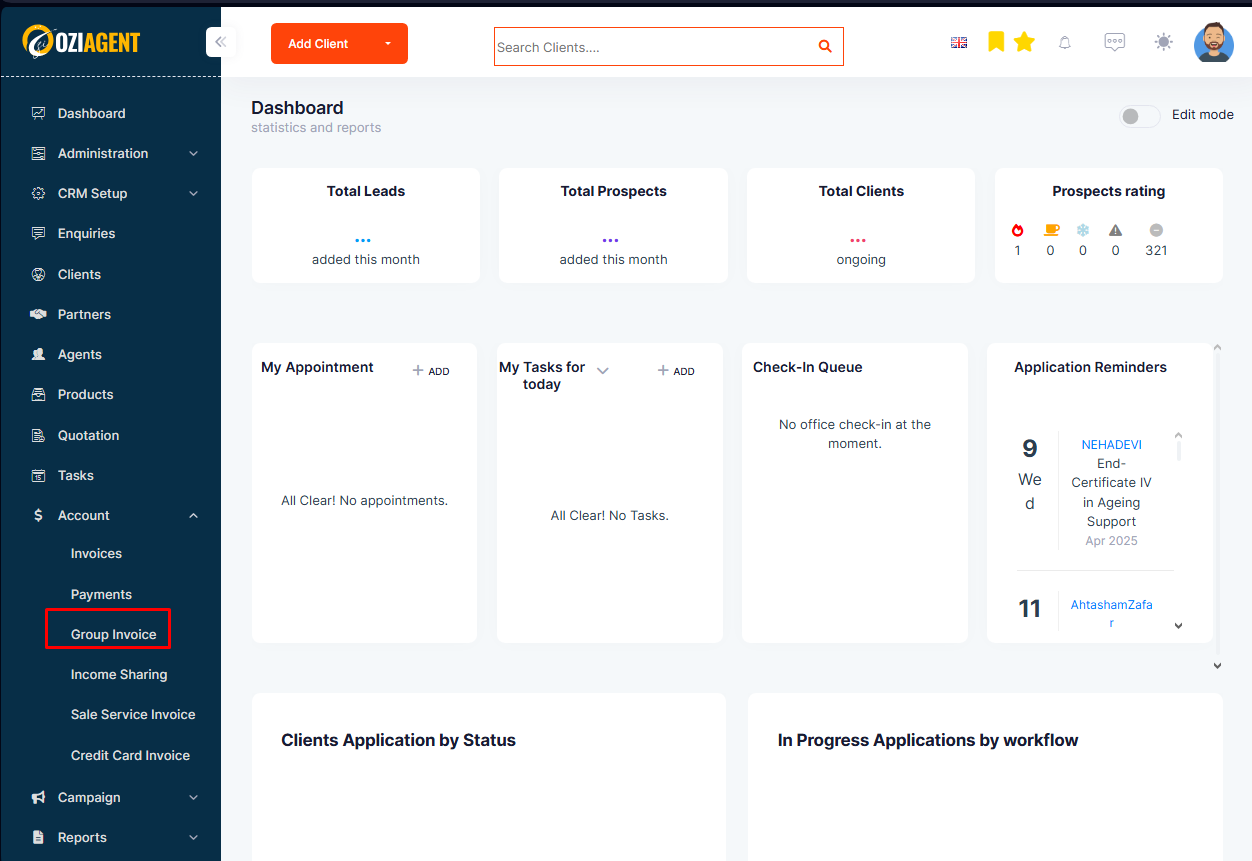
Step 1: Select Accounts from the side navigation bar and then select Group Invoice from the dropdown.
Step 2: Click on Create Group Invoice.
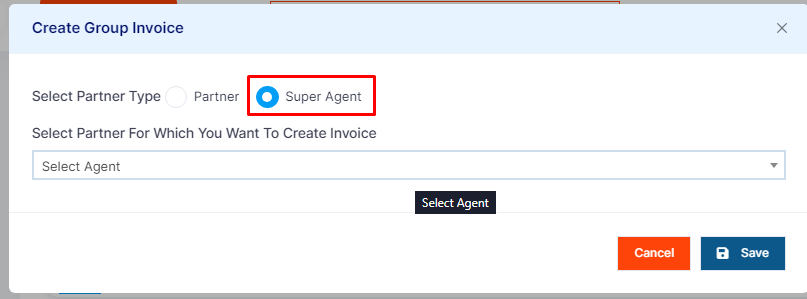
Step 3: In the popup, select Super Agent.
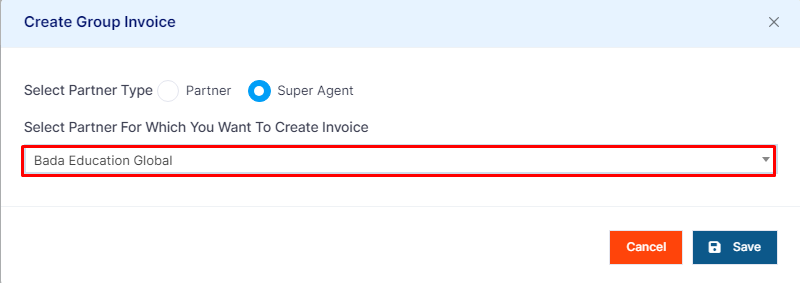
Step 4: From the dropdown, select the Super Agent.
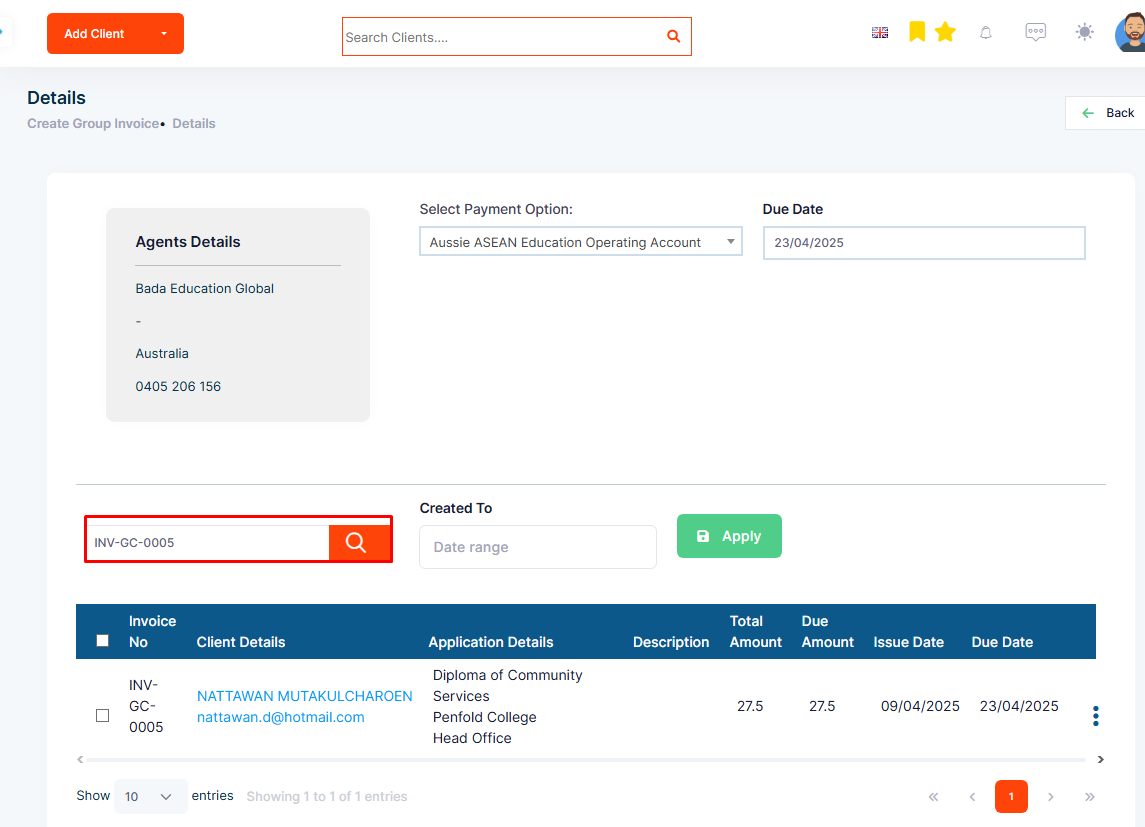
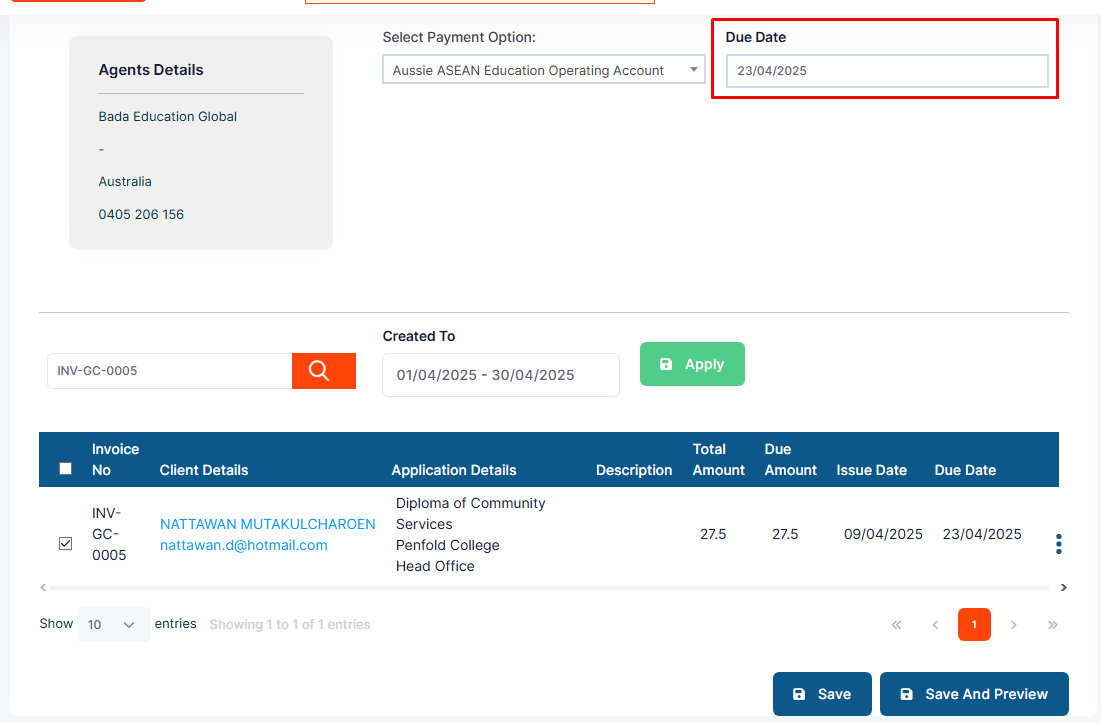
Step 5: You can search for the invoices to group by their Invoice Numbers or Client Name.
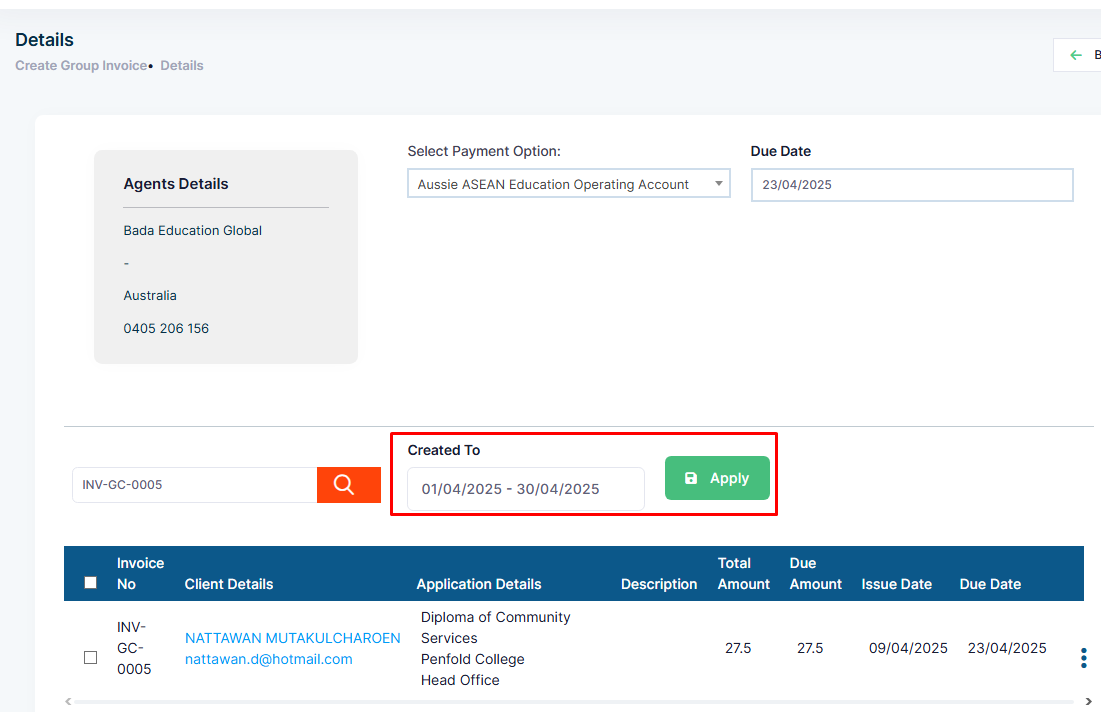
Step 6: You can also apply the Created Date Filter.
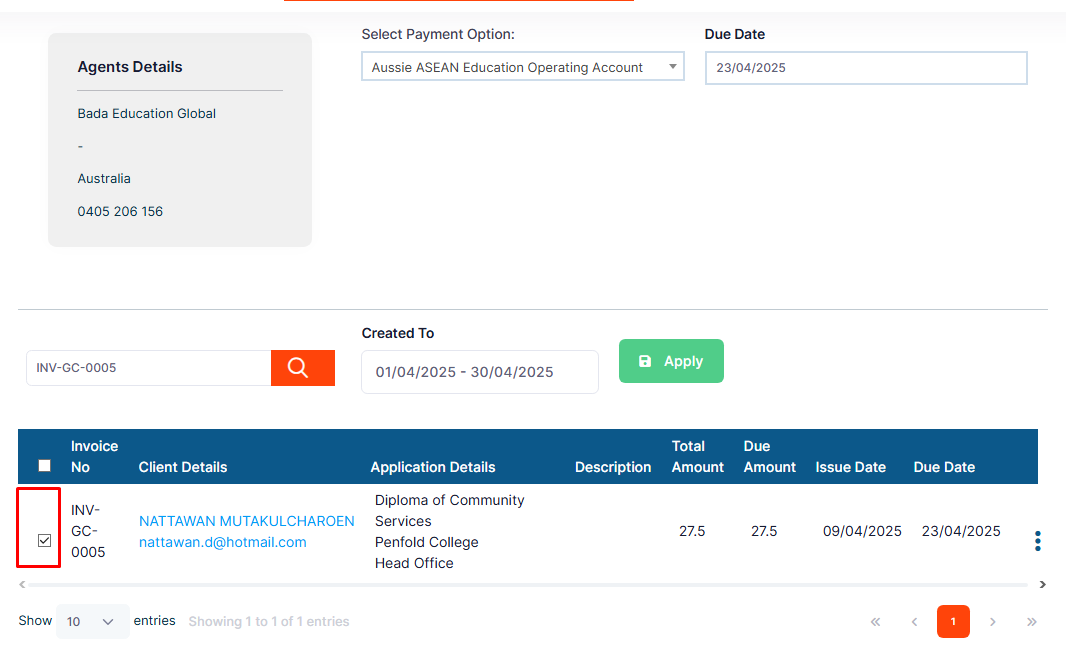
Step 7 Click on the Tick Marks to group these invoices.
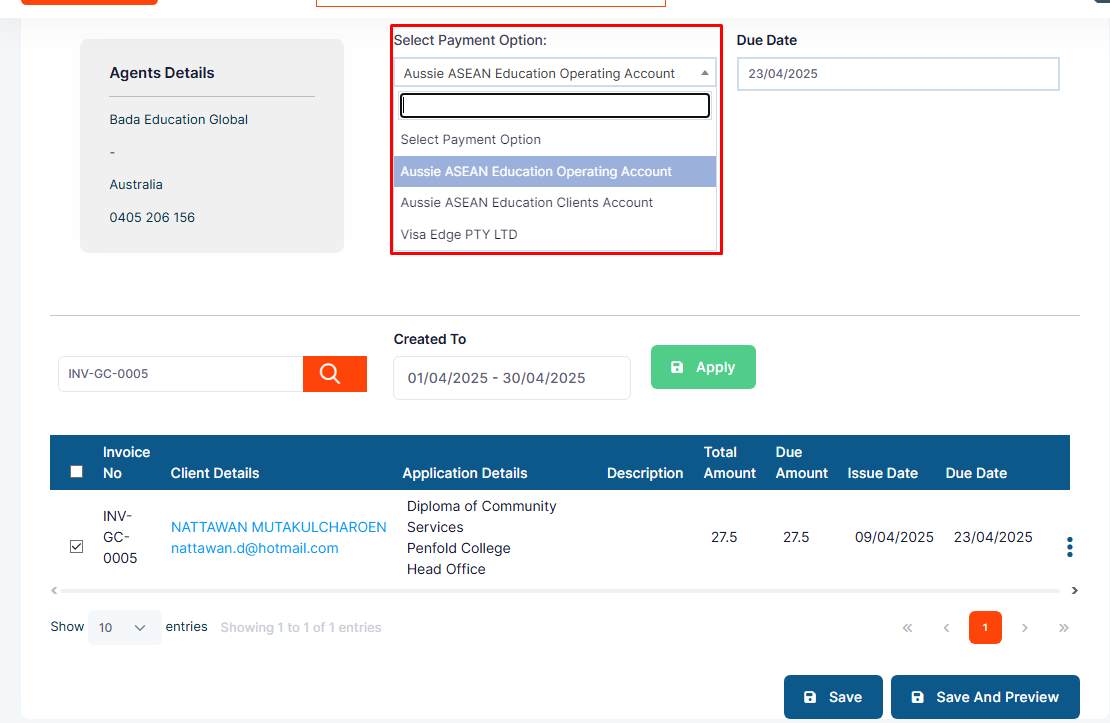
Step 8: Select the Payment Option.
Step 9: Select the Invoice Due Date.
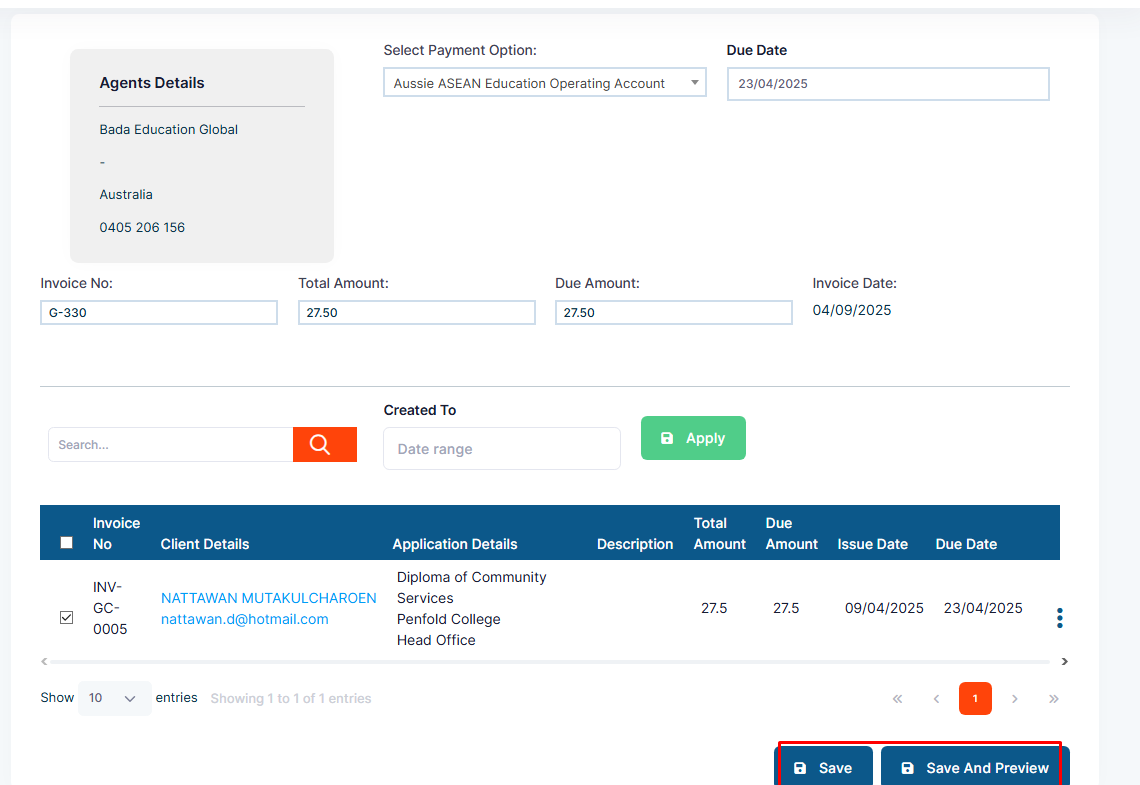
Step 10: Click on Save.